

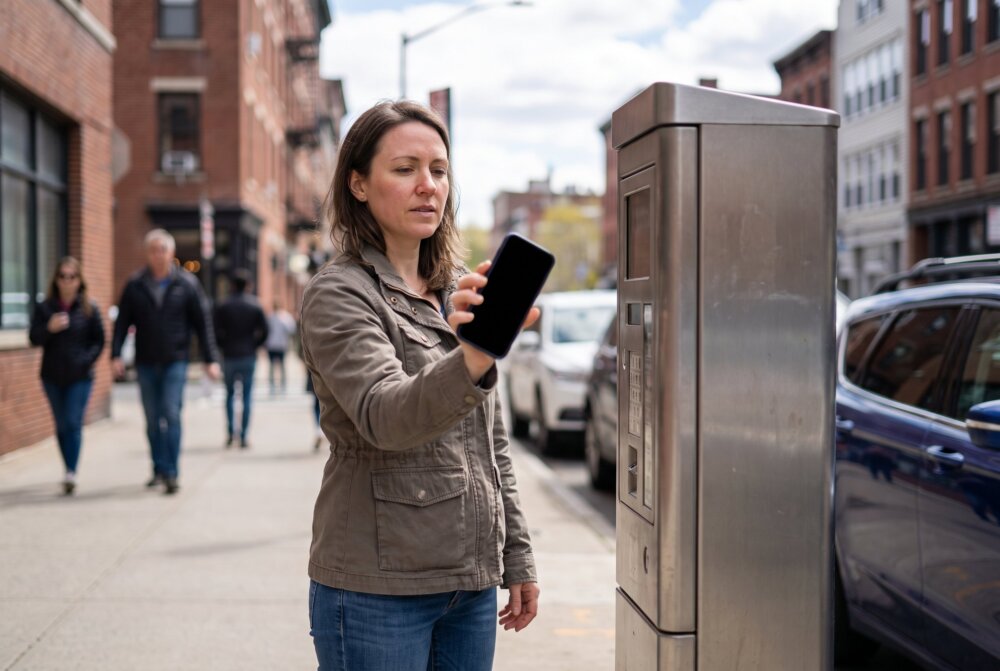
Quick Answer: Quishing is QR code phishing, where scammers put a malicious QR code in front of you, on a fake parking-meter sticker, a bogus email, a random flyer, or an unexpected package, so that scanning it sends you to a lookalike website that steals your login or payment details. A QR code is just a hidden link you cannot read until after you scan it, which is what makes it dangerous. Stay safe by previewing the URL before you open it, checking public codes for stick-on tampering, and never entering passwords or payments on a page you reached by scanning a code you did not expect.
QR codes are everywhere now, on menus, parking meters, packaging, and ads, and scammers have noticed. “Quishing” (QR code phishing) has become one of the fastest-growing scams because it hides a dangerous link inside a harmless-looking square. At InFurpose, we want you to keep using QR codes for the convenient things they are good for, while spotting the fakes instantly. Here is exactly how quishing works and how to scan with confidence.
Written by Samuel Smith — consumer-technology writer and digital-privacy researcher at InFurpose.
What is quishing (QR code phishing)?
Quishing is phishing that uses a QR code instead of a clickable link. A QR code is essentially a web address in visual form, and the problem is that you cannot see where it leads until after you scan it. Scammers exploit that blind spot by getting you to scan a code that redirects to a fake page built to harvest your usernames, passwords, or card numbers.
It is the same trick as a phishing text or email, just delivered through a different door. Because a printed QR code looks trustworthy and official, people scan first and think later. That reversal, action before verification, is exactly what the scam depends on. If you already know the warning signs of a phishing text, you are halfway to spotting quishing too.
How does a quishing attack work?
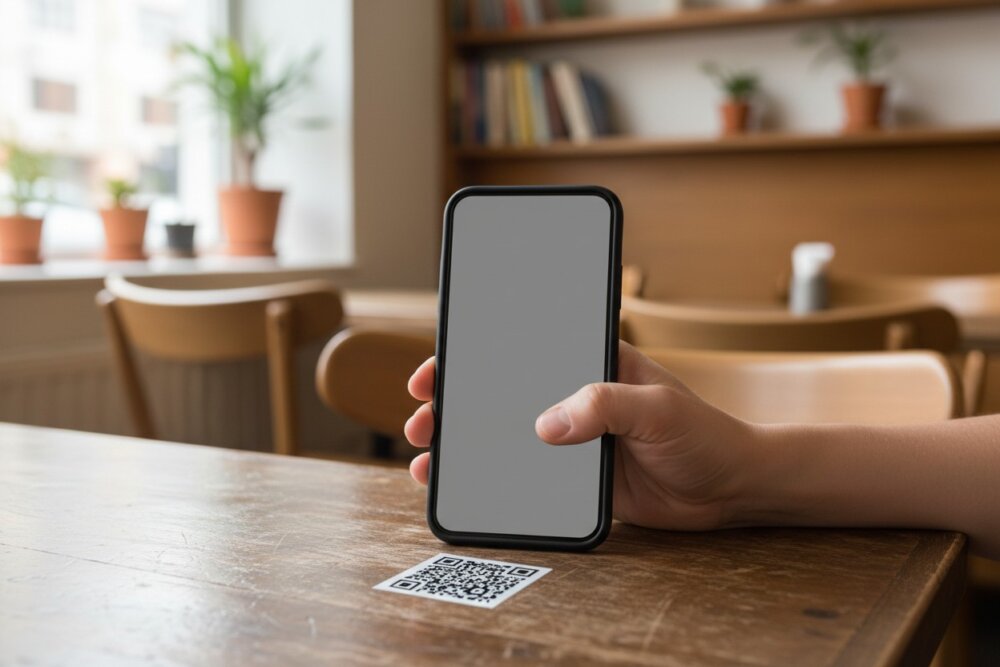
A quishing attack works by placing a malicious QR code where you expect a legitimate one, then routing you to a convincing fake site. When you scan it, your phone opens the hidden URL, which loads a page that imitates a real company, a payment portal, or a login screen. You type in your details, and they go straight to the scammer.
The most common versions succeed because of context. A QR code on a parking meter feels normal, so a fake sticker slapped over the real one blends right in. A code in an email that looks like it is from your bank feels urgent, so you scan without checking. The technology is simple; the psychology is the real weapon.
What are the most common QR code scams?
The most common quishing scams show up in places where scanning already feels routine. Watch especially for these:
- Parking meters and kiosks: Fake stickers cover the real payment code and send you to a lookalike page that captures your card.
- Restaurant menus: A swapped code harvests your contact or payment information instead of showing the menu.
- Unexpected packages: A code claiming to “confirm delivery” or “track your shipment” for something you did not order.
- EV chargers and crypto ATMs: Payment-redirection codes that route your money to the scammer.
- Fake prizes and discounts: Flyers or emails promising a reward if you scan and “log in.”
- Bogus emails at work: Messages asking you to scan a code to “reset your password” or “review a document.”
Physical, sticker-based scams are especially sneaky because the surrounding sign is completely real, so slow down anywhere you are about to pay by scanning.
What are the warning signs of a malicious QR code?
The biggest warning sign is context that does not add up: a QR code arriving where you did not expect one, paired with pressure to act fast. Trust your instincts when something feels off, and look for these specific red flags:
- Physical tampering: A sticker placed over another code, peeling edges, or misalignment on a public sign.
- Unsolicited delivery: A code on a random flyer, an out-of-the-blue package, or an unexpected email.
- Urgency: “Scan within 24 hours” or “your account will be suspended.”
- Shortened or odd URLs: A preview that shows a link-shortener or a domain that does not match the real company.
- Immediate login or payment requests: A page demanding your password or card right after you scan.
How do you scan QR codes safely?
From experience: A parking-meter QR code is what made me start paying attention. The code looked legitimate, but fake QR stickers can be placed right over the real one and send you to a convincing payment page. Now I check whether the code is a sticker, preview the web address before opening it, and whenever possible I go straight to the parking company’s official app instead of trusting the QR code.
The single most protective habit is to preview the URL before you open it, because most modern phones show the destination link after you scan and let you decide whether to tap it. Read that link carefully and make sure the domain matches the organization you expect. If it looks wrong, do not open it.
Beyond previewing, build these habits:
- Inspect public codes for stickers, overlays, or misalignment before scanning, especially where money is involved.
- Verify the domain in the preview against the company’s real website.
- Use official apps or type the address yourself instead of scanning when paying or logging in.
- Never enter passwords or payment details on a page you reached from an unexpected code.
- Pay parking and tolls through the official app or posted phone number rather than a meter sticker when you are unsure.
What should you do if you scanned a malicious QR code?
If you scanned a bad code but did not enter anything, simply close the page; scanning alone rarely does harm on an updated phone. The real damage happens if you typed in credentials or payment details. In that case, act quickly: change the password for any account you entered on a clean device, and turn on two-factor authentication so a stolen password is not enough by itself.
If you entered card or bank details, contact your bank or card issuer right away to flag the transaction and, if needed, freeze or replace the card. Then watch your statements for unfamiliar charges. For the broader recovery steps if you think something got onto your device, see how to remove a hacker from your phone, and lock down your logins with 2FA and strong passwords.
Frequently asked questions
Can scanning a QR code hack my phone instantly?
Scanning a QR code on an updated phone does not instantly install malware or take over your device; it opens a link, just like tapping one. The danger is the page it leads to and what you do there, such as entering a password or payment. Preview the link first and you keep control of that decision.
How can I see where a QR code leads before opening it?
Most modern phone cameras display the destination URL as a preview after you scan, before opening it. Read that link, check that the domain matches the real organization, and only tap through if it looks legitimate. If your camera does not show a preview, a reputable QR scanner app that reveals the URL first is a safer choice.
Are QR codes on restaurant menus safe?
Most restaurant QR codes are legitimate, but check for a sticker placed over the original and confirm the link matches the restaurant before entering any information. A real menu code should take you to a menu, not a login or payment page. If it asks for personal details, treat it as suspicious.
Is quishing the same as phishing?
Quishing is a form of phishing that uses a QR code as the bait instead of a text link. The goal is identical, to trick you into visiting a fake site and handing over sensitive information. The same caution you apply to suspicious texts applies to unexpected QR codes.
Why are QR code scams so effective?
They work because a QR code hides its destination until after you scan, and because printed codes look official and trustworthy. That combination gets people to act before they verify, which is the core of every phishing scam. Slowing down and previewing the link breaks the trick.
Should I stop using QR codes altogether?
No, QR codes are fine when you use them thoughtfully. Scan codes from sources you trust, preview the link before opening, and never enter passwords or payments on a page you reached from an unexpected code. With those habits, you get the convenience without the risk.
The bottom line
Quishing turns a convenient square into a phishing hook by hiding the link until it is too late, but you hold the advantage: preview the URL, check public codes for tampering, and refuse to enter passwords or payments on any page you reached from a code you did not expect. Treat surprise QR codes with the same suspicion you would a surprise text, and you will scan safely. For more everyday scam and phone-security guides, keep exploring InFurpose.
Samuel Smith is a consumer-technology writer and digital-privacy researcher at InFurpose who has spent years testing phone-security tools, including the QR-code and phishing scams covered in this guide.