

Quick Answer: Juice jacking is a theoretical attack where a tampered public USB charging port or cable secretly steals data from or installs malware on your phone while it charges. The FBI and FCC warned about it in 2023, but security researchers have found virtually no confirmed real-world cases against everyday phones, and modern iPhones and Android devices already block data transfer over USB until you unlock the phone and tap “Trust.” The simplest way to stay safe is to charge from your own wall adapter and power bank, or use a USB “data blocker.”
You have probably seen the warning: “Don’t use public phone chargers, hackers can steal your data!” It sounds alarming, and it shows up every holiday travel season. At InFurpose we believe in giving you the honest picture, not just the scary headline. So here is what juice jacking actually is, how real the threat is in 2026, and the handful of easy habits that make it a non-issue for you.
Written by Samuel Smith — consumer-technology writer and digital-privacy researcher at InFurpose.
What is juice jacking?
Juice jacking is an attack that abuses the fact that a USB cable carries both power and data at the same time. In theory, a criminal could rig a public charging station or leave behind a modified cable so that when you plug in, the port does not just charge your phone, it also tries to copy your files or push malware onto the device. The name comes from stealing your data while you get your “juice.”
The concept is real and has been demonstrated by researchers using tricked-out charging kiosks, hidden microcontrollers, and malicious cables. That is why the term exists. But there is a big gap between “a researcher proved it can be done in a lab” and “this is happening to travelers at the airport,” and that gap is the part the viral warnings leave out.
How does a juice jacking attack work?
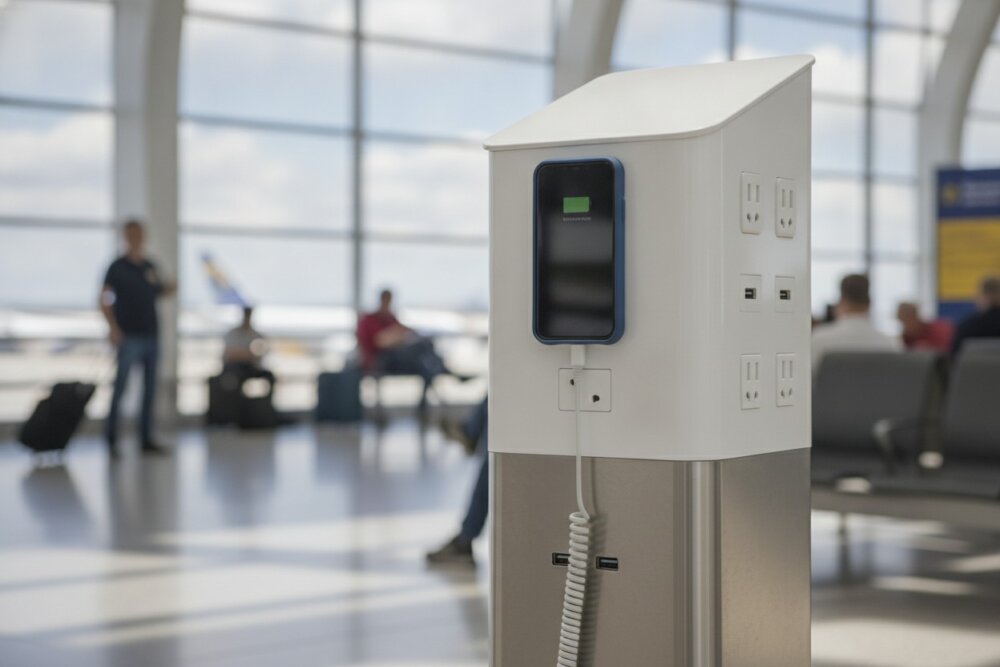
A juice jacking attack works by hiding a small computer inside a charging station or cable that talks to your phone over the data pins of the USB connection. When your phone connects, the hidden hardware attempts to access your storage or install software before you notice. Researchers have shown several variations, including cables with embedded chips that can accept remote commands.
The catch is that this only works if your phone actually allows a data connection to an unknown device. And that is exactly what modern phones are designed to prevent. On any reasonably current iPhone or Android, plugging into an unknown USB port gives you power but no data access unless you unlock the phone and explicitly approve it.
How common is juice jacking, really?
Juice jacking is extremely rare in the real world. As security researchers have repeatedly noted, there are no credible, confirmed reports of ordinary people being hacked through public charging ports outside of controlled research demonstrations. When the FBI and FCC issued warnings in 2023, technology outlets like Ars Technica and Slate criticized them as generic alerts that lacked any recent incident data to back them up.
That does not mean you should be careless, but it does mean you can put the risk in perspective. Your phone is far more likely to be compromised through a phishing text, a bad app, or a weak password than through a charging port. If you want to spend your energy where it counts, start with how to secure your phone from hackers and how to spot a phishing text, which cover the threats that actually affect people daily.
Do modern iPhones and Android phones already block juice jacking?
Yes, and this is the key reason the risk is so low today. Both major phone platforms treat unknown USB connections as power-only by default. An iPhone shows a “Trust This Computer?” prompt and will not share data until you unlock the phone and tap Trust. Android shows a similar prompt and defaults to “charging only,” requiring you to manually switch on file transfer.
Newer versions go further. Android 16 introduced an Advanced Protection mode that blocks the USB port from transferring data entirely while the phone is locked. In practice, this means that as long as you keep your phone updated and do not tap “Trust” on a charging kiosk, a public port simply cannot reach your data. Keeping automatic updates on, as covered in our phone security checklist, is part of what keeps this protection current.
How do you protect yourself from juice jacking?
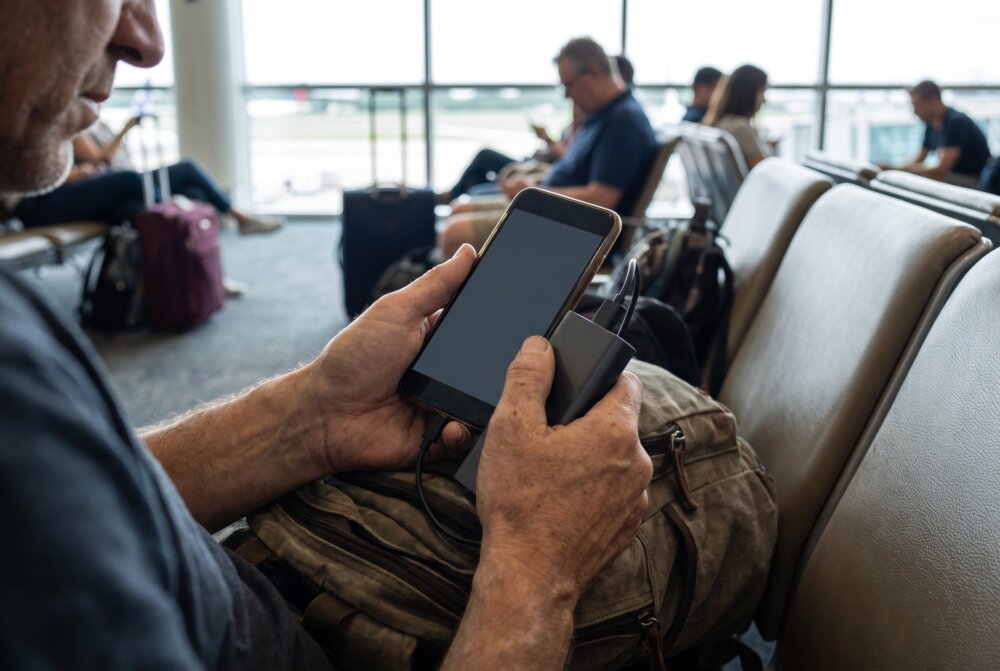
From experience: I used to plug into airport charging stations without thinking about it, until I learned that the same USB connection carrying power can also carry data. I’ve never been hacked that way, and real juice-jacking cases are apparently very rare, but the fix is so easy I don’t take the chance anymore — I carry a small power bank or my own wall charger, and if I absolutely have to use a public USB port, I use a data blocker.
The most reliable protection is to avoid public USB ports for data-carrying charging altogether and bring your own power. It costs almost nothing and removes the question entirely:
- Carry your own charger: Plug your own wall adapter into a standard electrical outlet, which carries power only and no data.
- Bring a power bank: A charged portable battery means you never have to trust a public port in the first place.
- Use a USB data blocker: This inexpensive adapter (sometimes called a “USB condom”) physically blocks the data pins, so only power passes through.
- Use a charge-only cable: Some cables are built to carry power but not data.
- Never tap “Trust”: If a charging station asks your phone to share data or trust it, decline and unplug.
- Keep your phone updated: Updates maintain the USB protections that block these attacks.
Should you worry about public charging while traveling?
You do not need to lose sleep over public charging, but bringing your own power is a smart, low-effort habit anyway. The bigger travel risks to your phone are theft, shoulder-surfing your passcode, and connecting to sketchy public Wi-Fi. A power bank solves the charging question and keeps you off the ports entirely, which is why we recommend it as a convenience first and a security measure second.
If you are mapping out your full travel-security setup, pair a power bank with the network precautions in is public Wi-Fi safe on your phone? Together they cover the two questions travelers actually ask about their phones on the road.
The simplest hardware fix is a USB data blocker — a small adapter that lets power through but physically blocks the data pins. The PortaPow USB-C Data Blocker is a well-reviewed one that costs only a few dollars.
Frequently asked questions
Can a public charging station really steal my data?
In theory yes, in practice almost never. Researchers have demonstrated the attack, but there are no confirmed cases of it happening to everyday travelers, and modern phones block USB data access until you unlock and approve it. The realistic risk to a normal, updated phone is very low.
Is it safe to charge my phone at an airport?
Charging at an airport is generally safe, especially if you use a standard electrical outlet with your own adapter rather than a built-in USB port. If you only have access to a USB port, a data blocker or charge-only cable removes any lingering risk. When possible, a power bank is the easiest answer.
What is a USB data blocker and does it work?
A USB data blocker is a small adapter that sits between your cable and the port and physically disconnects the data pins, allowing only power through. Yes, it works: with no data path, a tampered port cannot exchange information with your phone. They are inexpensive and worth keeping in a travel bag.
Does using my own cable protect me from juice jacking?
Using your own cable helps only if you also control the power source. A malicious kiosk could still send data through your own standard cable if you plug into it and approve a data connection. The safest combination is your own charger in a wall outlet, or a data blocker if you must use a USB port.
Will juice jacking work if my phone is locked?
On modern phones, no. Current iPhones and Android devices keep unknown USB connections power-only while locked, and Android 16’s Advanced Protection blocks USB data transfer entirely when the phone is locked. As long as you do not unlock and tap “Trust,” a charging port cannot reach your data.
What is more dangerous than juice jacking?
Phishing texts, malicious apps, weak or reused passwords, and unsecured accounts are all far more likely to compromise your phone than a charging port. If you have limited time, focus there first. Our guide on how to secure your phone from hackers covers the habits that stop the real-world threats.
The bottom line
Juice jacking is a real concept but a rare threat, and modern phones already shut the door on it as long as you keep them updated and never tap “Trust” on a public port. Carry your own charger or a power bank, drop a cheap data blocker in your bag, and you can forget about it entirely, then spend your attention on the phishing and password risks that actually matter. For more clear-eyed phone-security advice, keep reading at InFurpose.
Samuel Smith is a consumer-technology writer and digital-privacy researcher at InFurpose who has spent years testing phone-security tools, including public-charging and USB-security risks like the one covered here.